mirror of
https://github.com/SebastianStork/kita.git
synced 2026-03-22 17:49:08 +01:00
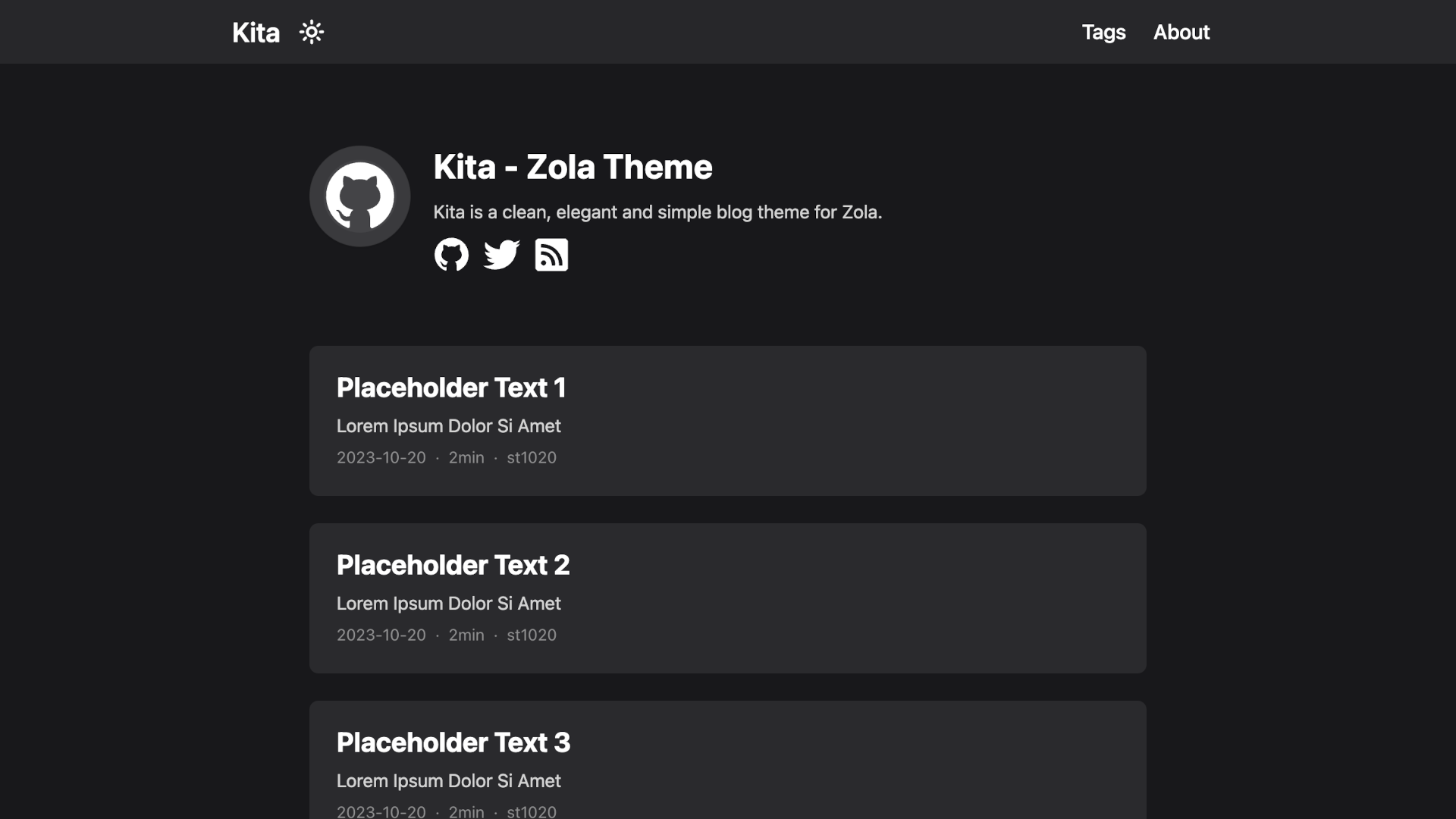
Kita is a clean, elegant and simple blog theme for Zola.
https://kita-zola.pages.dev
| .vscode | ||
| content | ||
| static | ||
| templates | ||
| .gitignore | ||
| .prettierignore | ||
| .prettierrc.js | ||
| config.toml | ||
| LICENSE | ||
| package.json | ||
| pnpm-lock.yaml | ||
| README.md | ||
| screenshot.png | ||
| theme.toml | ||


Kita
Kita is a clean, elegant and simple blog theme for Zola.
This theme is based on Hugo theme hugo-paper with some features added.
Features
- Easy to use and modify
- No preset limits (This theme does not limit your content directory structure, taxonomy names, etc. It's applicable to all zola sites.)
- Inject support
- Dark mode
- Responsive design
- Social icons
- Taxonomies support
- Projects page
- Archive page
- Table of content & Floating side table of content
- Admonition shortcode
- SEO friendly
- Comments using Giscus
- Mathematical notations using KaTeX
- Diagrams and charts using Mermaid
Installation
The easiest way to install this theme is to clone this repository in the themes directory:
git clone https://github.com/st1020/kita.git themes/kita
Or to use it as a submodule:
git submodule add https://github.com/st1020/kita.git themes/kita
Then set kita as your theme in config.toml.
theme = "kita"
Configuration
See the extra section in config.toml as a example.
Inject support
You can easily use inject to add new features to your side without modifying the theme itself.
To use inject, you need to add some HTML files to the templates/injects directory.
The available inject points are: head, header_nav, body_start, body_end, page_start, page_end, footer, page_info.
For example, to load a custom script, you can add a templates/injects/head.html file:
<script src="js-file-path-or-cdn-url.js"></script>
License
Copyright (c) 2023-present, st1020